
Pick a game. Check its controls. Then open it.
Free games, each with a short page on how it plays, which keys it uses and what to expect.
Browse the gamesSix games on the table
Open a page to read the controls, the steps and a few tips before you head to Poki.

Hexellent
Stack coloured hexagon blocks on a 3D grid so matching colours join and clear.Puzzle
Diva Hair Salon
Wash, dye, blow-dry, curl and style hair, then add makeup, accessories and outfits.Simulation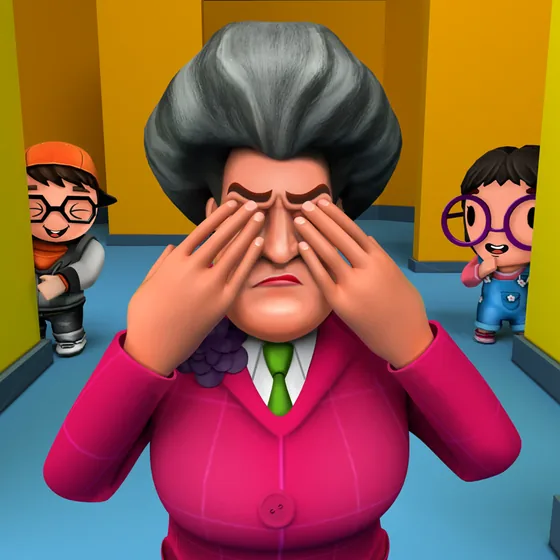
Hide and Seek Escape Games
Find hiding spots in a school, escape a teacher who searches for you and rescue teammates.Simulation
Poor Bunny
Jump between floating islands, collect carrots and dodge arrows, saws and spiked balls.Arcade
Carnado Stunt Car
Drive and stunt through an open city of ramps, bridges, ports and secret spots.Racing
Pro Shooter
Track targets from a rooftop, aim and release to take the shot.Action
Every game's keys on one sheet
Mouse, keys and touch for every game, side by side, so you can check a control before you open a game.
 Hexellent
- Hold mouse buttonPick up and move a hex block
- ReleaseDrop the block on the grid
 Diva Hair Salon
- Mouse clickChoose an option or tool
- Mouse moveApply the chosen tool to the hair
 Hide and Seek Escape Games
- W A S DMove
- Arrow keysMove
- Click and dragMove
 Poor Bunny
- Arrow keysMove and jump (one player)
- W A S DSecond player (two players)
- On-screen buttonsControls on mobile
 Carnado Stunt Car
- W / UpAccelerate
- S / DownBrake
- A D / Left RightSteer
- SpaceJump
- EscPause
- RReset the car
- CChange camera
 Pro Shooter
- Hold mouse buttonAim
- ReleaseTake the shot
Questions before you start
Are the games free?
Each game opens free in the browser on Poki. Poki shows ads around games.
Do I download anything?
No. The games open on poki.com in the browser, and this site only describes them.
Which devices do they work on?
Poki lists desktop, phone and tablet for every game here. Each page shows the controls for each.
Where does a game link go?
The link on each page opens that game on poki.com. This site does not run the games itself.